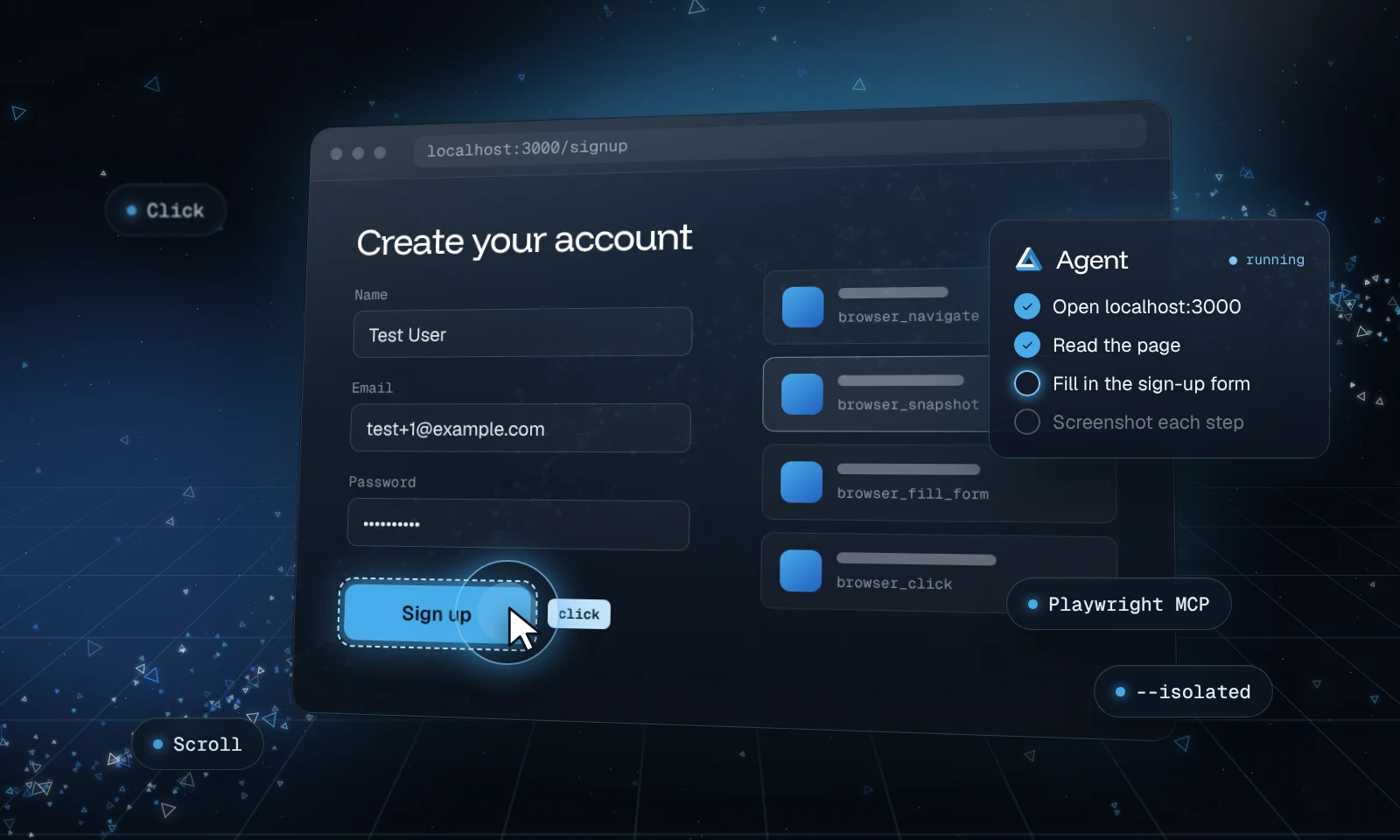
Playwright MCP is a free MCP server from Microsoft that gives an AI agent a real browser. Once it's connected, Claude Code can open pages, click, type and take screenshots, which turns it into a computer-use agent for anything on the web.
It doesn't work from screenshots. It hands Claude the page's accessibility tree, a text list of every button, link and field with its label, so Claude picks elements by name instead of guessing pixel positions. That makes it fast, and it works with any Claude model.
What you need
- Claude Code, installed and signed in
- Node.js 18 or newer (check with
node --version) - A project folder to run Claude Code in
Connect Playwright MCP
Add the server
In a terminal, inside your project folder, run the command from Playwright MCP's README:
claude mcp add playwright npx @playwright/mcp@latestThis adds the server in local scope: it loads only in this project and isn't shared through git. Add
--scope userafteraddto have it in every project.Check that it's connected
Run
claude mcp listin the terminal, or type/mcpinside a Claude Code session. Theplaywrightserver should show as connected.Give Claude a first task
Start Claude Code with
claudeand try:Use the Playwright browser to open https://example.com. Tell me the page title and list every link on the page.A browser window opens and Claude works through it. The first time it uses each browser tool, Claude Code asks for your permission.
What Claude can do with it
Playwright MCP exposes the browser as a set of tools. The ones you'll see most:
| Tool | What it does |
|---|---|
browser_navigate | Opens a URL |
browser_snapshot | Reads the page's accessibility tree, the structured view Claude acts on |
browser_click | Clicks an element |
browser_type | Types into a field |
browser_fill_form | Fills several fields at once |
browser_take_screenshot | Saves a screenshot of the page |
browser_tabs | Lists, opens and switches tabs |
You don't call these yourself. Describe the task in plain words and Claude picks the tools.
Test your own web app
This is where it earns its keep. Start your app's dev server, then ask Claude to use it like a new visitor would:
My app is running at http://localhost:3000. Use the Playwright browser to sign up with
test+1@example.com, create a first project, and log out. Take a screenshot after each step,
and tell me anything that looks broken, slow or confusing.
Because Claude Code can also read and edit your code, it can follow up on what it finds: trace a broken button to the component, fix it, and run the same check in the browser again.
Change how the browser runs
Options go after the package name. Put -- before the server command so Claude Code passes the flags to Playwright MCP instead of reading them itself. To change an existing server, remove it and add it again:
claude mcp remove playwright
claude mcp add playwright -- npx @playwright/mcp@latest --isolated --headless
Useful options from the README:
| Option | Effect |
|---|---|
--isolated | Keeps the browser profile in memory, so every session starts clean |
--headless | Runs without a visible window (the default is a visible browser) |
--browser <name> | Picks the browser: chrome, firefox, webkit or msedge |
--device "iPhone 15" | Emulates a phone, to check your mobile layout |
--viewport-size 1280x720 | Sets the window size |
--caps vision | Adds tools that work from screenshots and coordinates |
By default, Playwright MCP keeps a persistent browser profile for each project, so anything you sign in to stays signed in next time. On macOS it lives under ~/Library/Caches/ms-playwright/. Use --isolated if you'd rather start fresh every time.
Skip the prompts for safe tools
Claude Code asks before each new browser tool. Once you're comfortable, allow the read-only ones in your project's .claude/settings.json and keep clicks and typing on ask:
{
  "permissions": {
    "allow": [
      "mcp__playwright__browser_navigate",
      "mcp__playwright__browser_snapshot",
      "mcp__playwright__browser_take_screenshot"
    ]
  }
}
mcp__playwright__* would allow every tool from the server at once. Only use that on a browser profile with nothing in it you care about.
Stay safe
Heads up
Playwright MCP's own README says it is not a security boundary. The browser can do anything a person at the keyboard could, on any site you send it to.
- Use
--isolatedor a profile that isn't signed in to your email, bank or password manager. - Keep Claude asking before it clicks or types on sites where an action is hard to undo.
- Pages can contain text written to steer AI agents. Send it only to sites you trust, and read what it plans to do before approving.
What computer-use agents can do, and how to run them safely covers these guardrails in more depth.
A lighter option for coding work
Microsoft also makes Playwright CLI, a command-line version meant for coding agents. Its README says CLI commands use fewer tokens than MCP, because the agent doesn't load every tool and the full page tree into its context. If you mostly use the browser to check your own app while coding, try both and keep the one that suits your sessions.