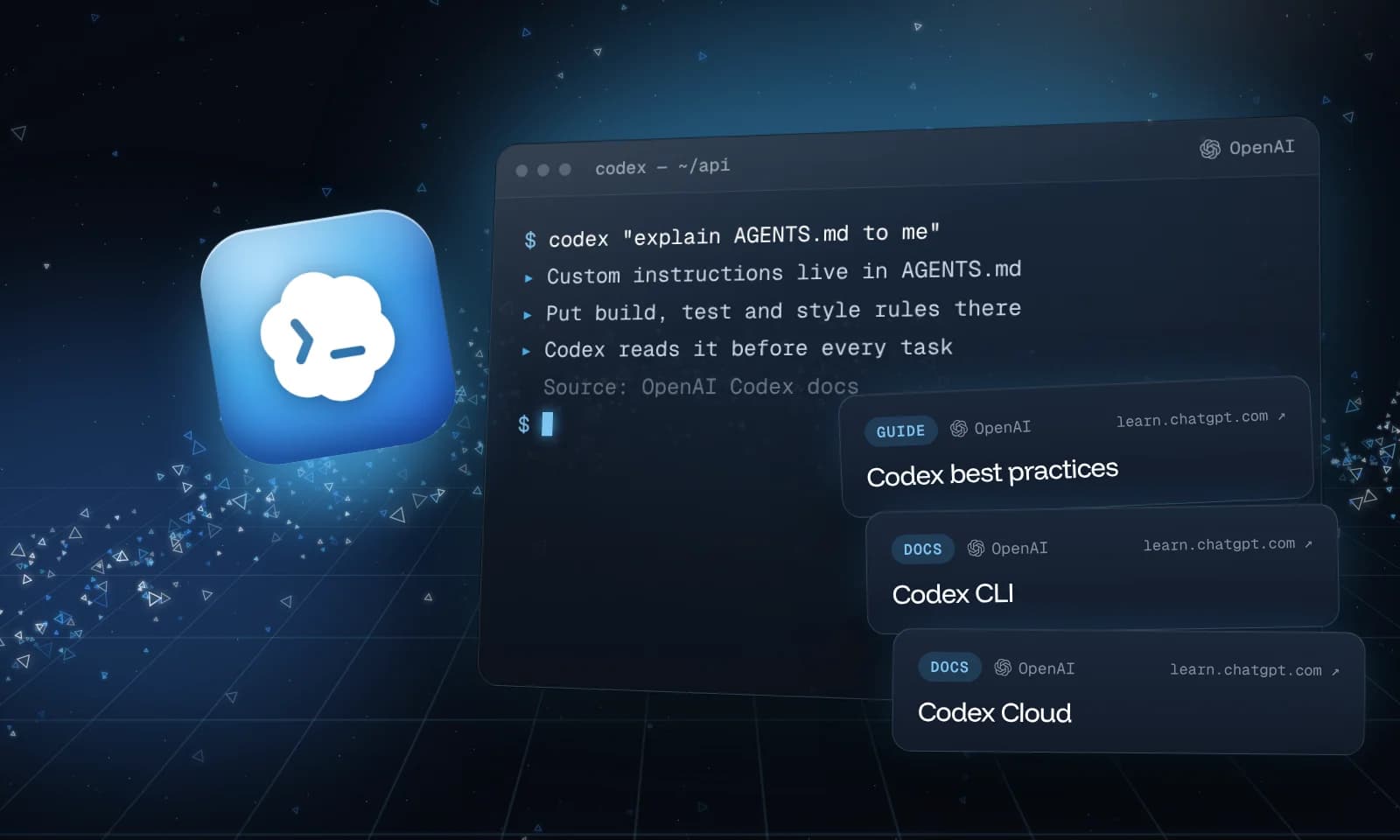
AGENTS.md is a plain Markdown file that tells a coding agent how to work in your project: how to install, build and test, the conventions to follow, and what to avoid. Codex reads it before it starts working, so you don't repeat the same instructions in every prompt.
It's also an open format, not a Codex-only file. agents.md lists support in Codex, Cursor, GitHub Copilot's coding agent, Gemini CLI, Jules, Zed, Warp, VS Code and others, and recent versions of Claude Code read it too. The format is now stewarded by the Agentic AI Foundation under the Linux Foundation. There are no required fields: any Markdown works.
This guide follows OpenAI's AGENTS.md guide for Codex.
Where Codex looks
Codex builds its instructions from two places, every time it starts:
- Your global file. In your Codex home folder,
~/.codexunless you setCODEX_HOME, Codex readsAGENTS.override.mdif it exists, otherwiseAGENTS.md. Use this for preferences that apply to every project. - Your project. Starting at the project root, usually the Git root, Codex walks down folder by folder to the directory you're working in. In each folder it takes the first file it finds of
AGENTS.override.md, thenAGENTS.md. It reads at most one file per folder, and skips empty files.
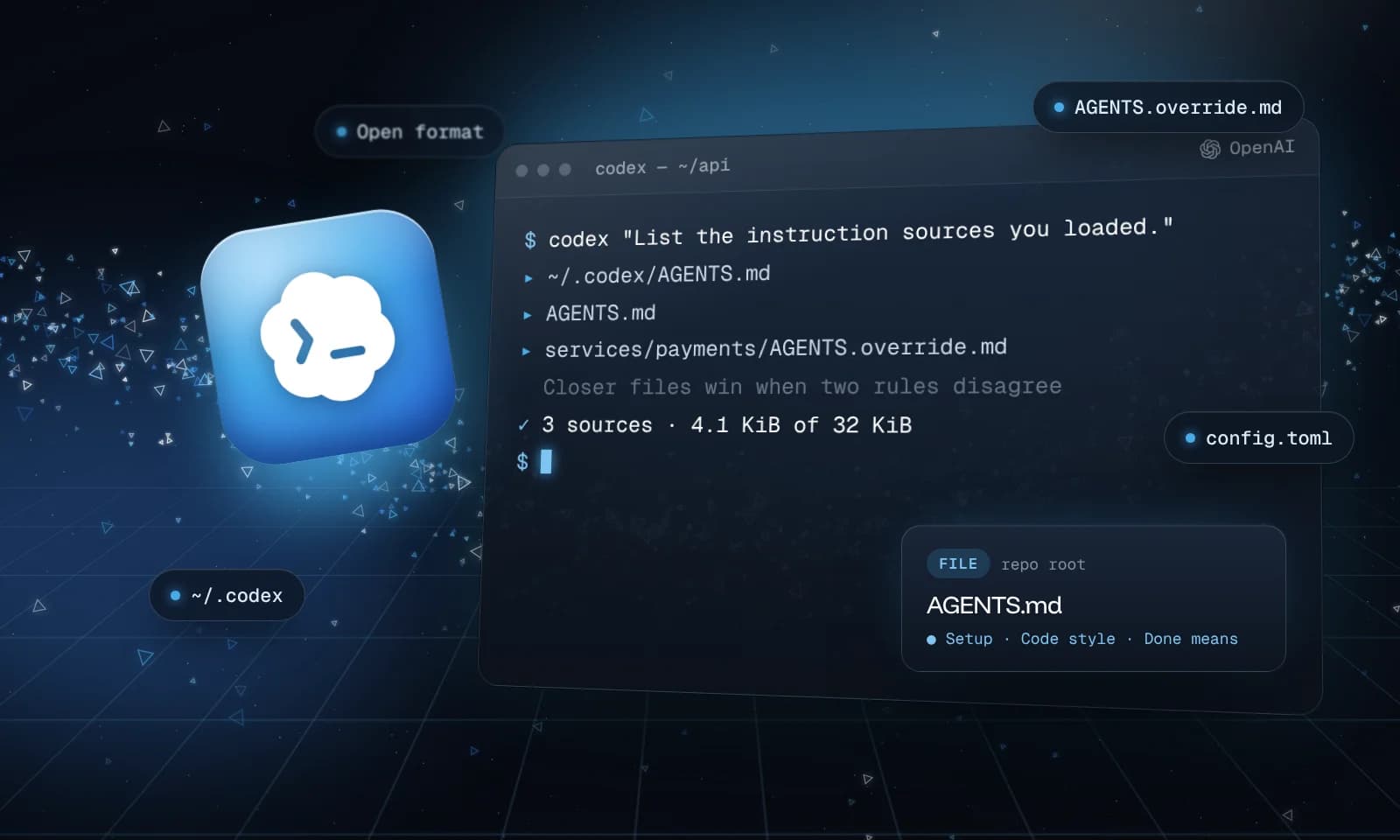
Codex joins everything it found in that order: global first, then the project root, then each folder down to where you are. Files closer to your working directory come later, so their instructions win when two disagree.
Two details catch people out:
- Codex stops at your current directory. An
AGENTS.mdin a folder below it isn't read until you work from that folder. - The instructions are built once, when Codex starts. Edit an
AGENTS.mdand you need a new session to see the change.
A global AGENTS.md
Start with the few things you want in every project. This is the example from OpenAI's guide:
# ~/.codex/AGENTS.md

## Working agreements

- Always run `npm test` after modifying JavaScript files.
- Prefer `pnpm` when installing dependencies.
- Ask for confirmation before adding new production dependencies.
A project AGENTS.md
At the root of your repo, describe the project the way you'd brief a new teammate. Keep each line something Codex can act on or check:
# AGENTS.md

## Setup
- Install dependencies: `pnpm install`
- Start the dev server: `pnpm dev` (http://localhost:3000)
- Run tests: `pnpm test`. Run them after every change.

## Code style
- TypeScript strict mode. No `any` without a comment saying why.
- Server components by default; add "use client" only when needed.

## Repository expectations
- Run `pnpm lint` before opening a pull request.
- Document public utilities in `docs/` when you change their behavior.
- Never commit `.env` files or secrets.
OpenAI's advice is to keep the rules short and leave formatting and lint checks to CI, where they're enforced anyway.
Override one folder
Some parts of a codebase need their own rules. Put an AGENTS.override.md in that folder and Codex uses it there instead of that folder's AGENTS.md. The root file still loads. OpenAI's example for a payments service:
# services/payments/AGENTS.override.md

## Payments service rules

- Use `make test-payments` instead of `npm test`.
- Never rotate API keys without notifying the security channel.
An override works globally too: ~/.codex/AGENTS.override.md temporarily replaces your global AGENTS.md without deleting it. Delete the override to go back.
Size limits and other file names
Codex stops adding files once the combined instructions reach 32 KiB, the default for project_doc_max_bytes. If your team already uses a different file name, Codex can read that when a folder has no AGENTS.md. Both settings go in ~/.codex/config.toml:
# ~/.codex/config.toml
project_doc_fallback_filenames = ["TEAM_GUIDE.md", ".agents.md"]
project_doc_max_bytes = 65536
With that config, Codex checks each folder for AGENTS.override.md, then AGENTS.md, then TEAM_GUIDE.md, then .agents.md. Other names are ignored.
Check what Codex loaded
Ask Codex directly. These commands from OpenAI's guide run without stopping for approvals:
# From the repo root
codex --ask-for-approval never "Summarize the current instructions."

# From a subfolder, to check overrides
codex --cd services/payments --ask-for-approval never "List the instruction sources you loaded."
If the answer is missing something, check the file isn't empty, that it's between the project root and your working directory, and that the combined size is under the limit.
Share one file with Claude Code
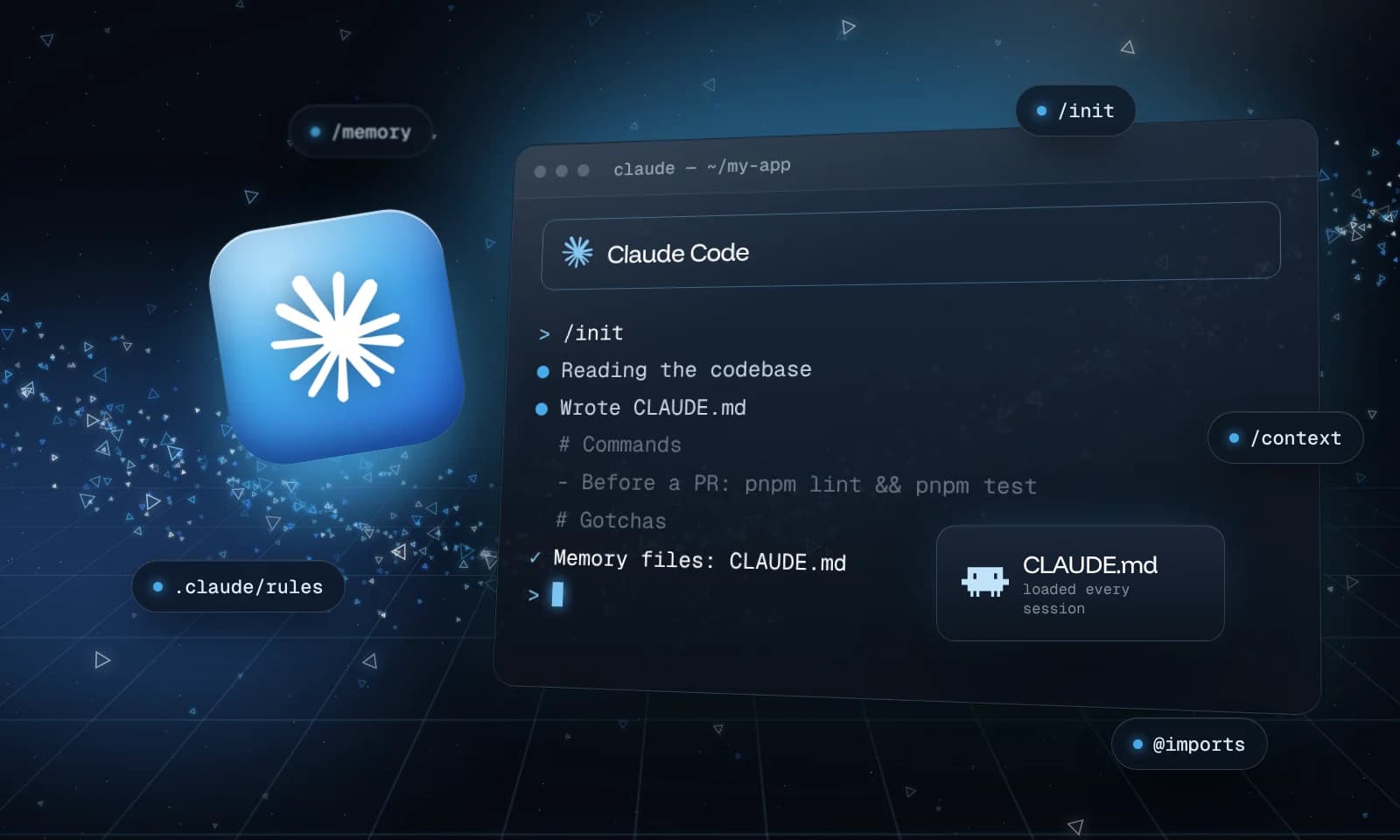
If your team also uses Claude Code, you don't need two copies. Claude Code reads AGENTS.md when the project has no CLAUDE.md, and a CLAUDE.md that starts with @AGENTS.md imports it. How to write a CLAUDE.md that Claude Code follows covers the Claude side.