Every Claude Code session starts with a fresh context window. A CLAUDE.md file is how you carry knowledge from one session to the next: build commands, conventions, where things live, and the rules you'd otherwise repeat every day. Claude reads it at the start of every session.
This guide follows Anthropic's memory documentation and turns it into a file you can start from today.
Create your first one with /init
In your project folder, start Claude Code and run:
/init
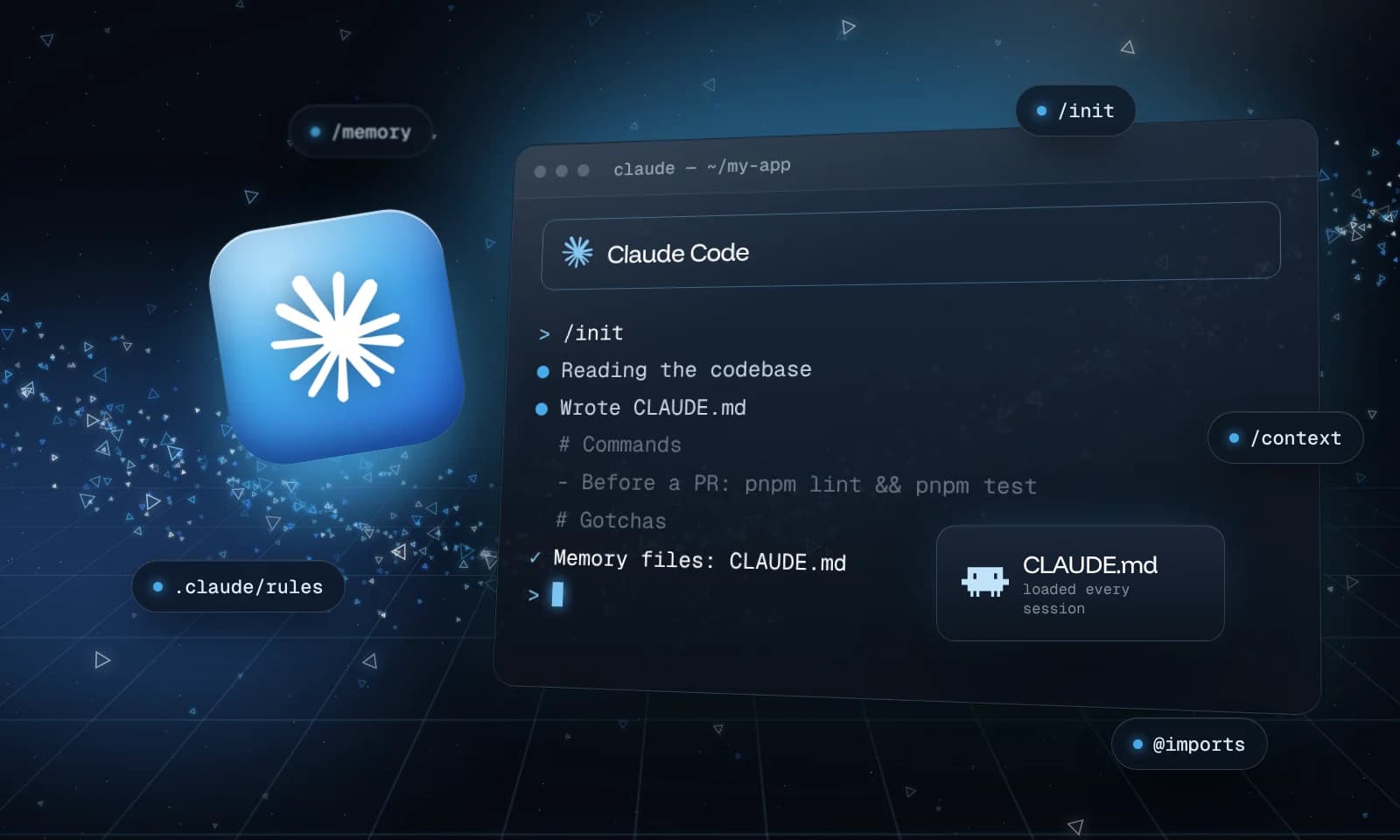
Claude reads your codebase and writes a starting CLAUDE.md with the build commands, test instructions and conventions it finds. If a CLAUDE.md already exists, /init suggests improvements instead of overwriting it. Treat the result as a draft. Anthropic's own advice is that from there the work is mostly removing lines: the ones worth keeping are the ones Claude couldn't work out on its own.
Where CLAUDE.md files go
You can have more than one, each with a different reach. Claude Code loads them from broadest to most specific:
| File | Who it's for | Shared through git? |
|---|---|---|
~/.claude/CLAUDE.md | You, in every project | No |
./CLAUDE.md or ./.claude/CLAUDE.md | Everyone working on this project | Yes |
./CLAUDE.local.md | You, in this project only (add it to .gitignore) | No |
Organizations can also deploy a managed CLAUDE.md that applies to every user.
Claude Code loads the CLAUDE.md files in your working directory and every folder above it when a session starts. A CLAUDE.md inside a subfolder loads later, the first time Claude reads or edits a file in that folder. That makes subfolder files a good place for rules that only matter there.
What to put in it
Anthropic's guidance is to treat CLAUDE.md as the place you write down what you'd otherwise re-explain. Add to it when:
- Claude makes the same mistake a second time
- A code review catches something Claude should have known about the codebase
- You type the same correction you typed last session
- A new teammate would need the same context to be productive
Keep it to facts that matter in every session. A long multi-step procedure fits better in a skill, and rules for one part of the codebase fit better in a path-scoped rule (below).
Write instructions Claude can check
Claude treats CLAUDE.md as context, not as enforced configuration, so how you write each line affects how reliably it's followed. The docs' rule of thumb is to be concrete enough to verify:
| Vague | Concrete |
|---|---|
| Format code properly | Use 2-space indentation |
| Test your changes | Run npm test before committing |
| Keep files organized | API handlers live in src/api/handlers/ |
Aim for under 200 lines per file. Longer files take up more context and are followed less closely. Group related lines under headings, and remove instructions that contradict each other: when two lines disagree, Claude may pick either.
A complete example
Here's a CLAUDE.md for a typical Next.js app. It sticks to what Claude can't work out by reading the code: how to check its work, decisions the team made, and places where the code is misleading. Copy the shape, not the details:
# Commands
- Install: `pnpm install` (never npm or yarn)
- Dev server: `pnpm dev` (http://localhost:3000)
- Run one test file: `pnpm vitest run path/to/file.test.ts`
- Before a PR: `pnpm lint && pnpm tsc --noEmit && pnpm test`

# Conventions
- Database access only through `src/lib/db.ts`, never a new Prisma client
- Money is stored in cents as integers. Never use floats for amounts.
- Throw errors with the helpers in `src/lib/errors.ts`, never raw strings
- Ask before adding a dependency

# Gotchas
- `src/legacy/` is still live, but don't copy its patterns into new code
- Integration tests need `DATABASE_URL` set; see `.env.example`
- `src/components/ui/` is generated by shadcn/ui; don't edit it by hand
Every line is something Claude can act on or check, and none of it is visible from the file tree alone.
What to leave out
- Your folder layout and architecture. Anthropic's best practices now say Claude reads the repo itself, so only write down what isn't in there.
- IMPORTANT and ALL CAPS. Current models follow a plainly worded line. If a line keeps getting missed, the file is probably too long, or the rule needs a hook.
- Things Claude would do anyway, like "write clean code".
- Your personal preferences. Put those in
CLAUDE.local.mdor~/.claude/CLAUDE.md, not in the shared file.
Pull in other files with @imports
A CLAUDE.md can import other files with @path/to/file. The imported file loads alongside it:
See @README.md for an overview and @package.json for the available scripts.

## Git workflow
- @docs/git-instructions.md
Relative paths resolve from the file that contains the import, and imports can nest up to four levels deep. Imports help organize a long file, but they don't save context: imported files load in full.
Tip
HTML comments in a CLAUDE.md, like <!-- why this rule exists -->, are stripped before Claude sees the file. Use them for notes to your teammates that shouldn't cost context.
Split rules by path with .claude/rules/
For bigger projects, put topic files in .claude/rules/, such as testing.md or api-design.md. Rules without frontmatter load every session. Add a paths field and a rule only loads when Claude works on matching files:
---
paths:
  - "src/api/**/*.ts"
---

# API rules
- Validate every request body with the schemas in `src/api/schemas/`.
- Return errors as `{ error: { code, message } }`.
Already have an AGENTS.md?
Recent versions of Claude Code (v2.1.277 and later) read AGENTS.md on their own when your project has no CLAUDE.md, so a repo set up for Codex or other agents works as it is. If you have both, Claude reads only CLAUDE.md by default. To keep one shared file for every tool, put this at the top of your CLAUDE.md and add Claude-specific lines below it:
@AGENTS.md
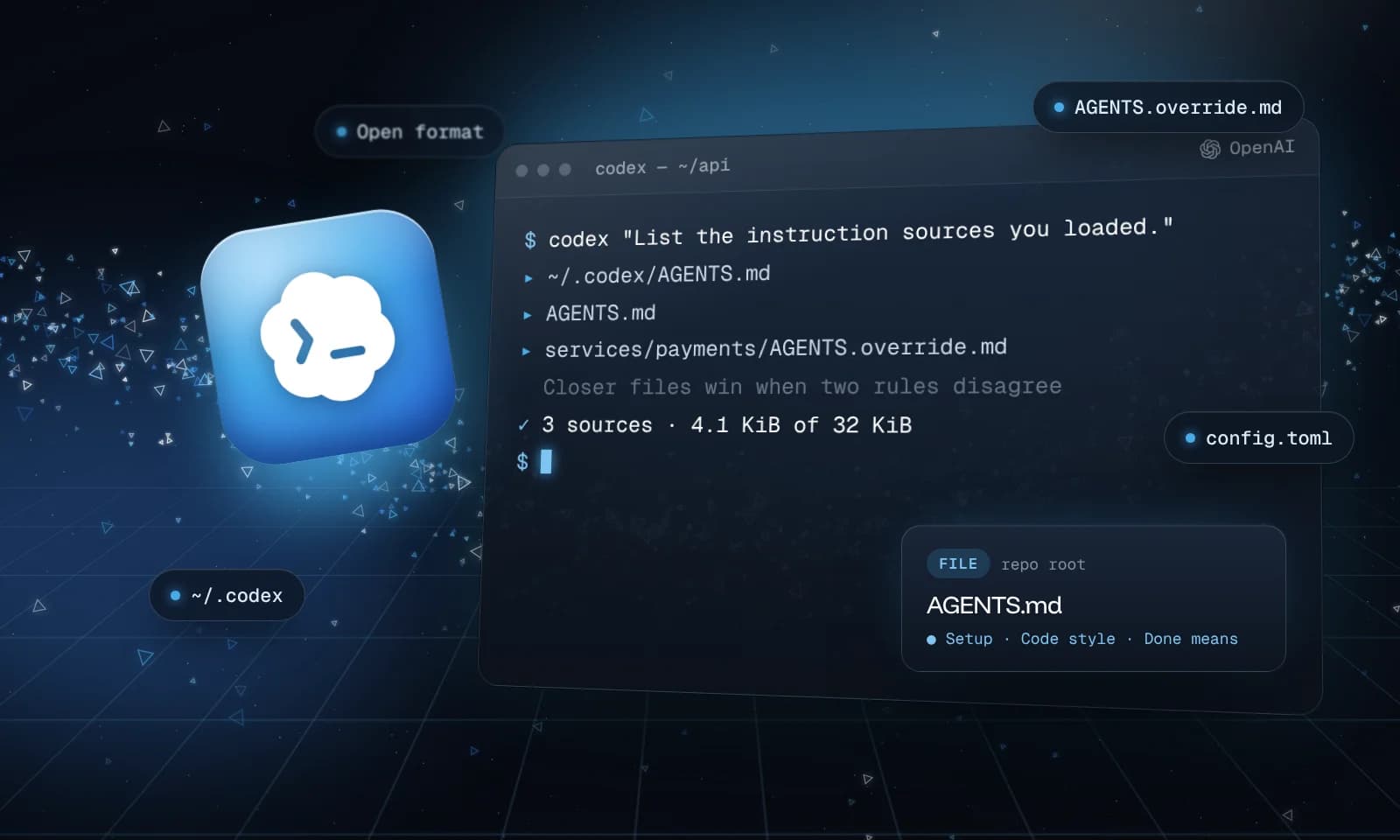
How to set up AGENTS.md for Codex covers the AGENTS.md side.
Check that it loaded
- Run
/contextin a session and look under Memory files. If a file isn't listed there, Claude can't see it. - Run
/memoryto see every memory file location and open one in your editor. - A subfolder
CLAUDE.mdwon't appear under Memory files until Claude opens a file in that folder.
When Claude still doesn't follow it
- Make the line more specific, and check for a conflicting line in another
CLAUDE.mdor rule file. - For something that must happen every time, like formatting after each edit or blocking a command, use a hook instead. Hooks run as shell commands at fixed points and don't depend on Claude choosing to follow them.
- If you ask Claude to "remember" something, it saves it to auto memory, its own notes. To put it in
CLAUDE.md, say "add this to CLAUDE.md".
Keep the file alive: when Claude gets something wrong that a line would have prevented, add the line.